Marketing AI User Guide
Create products, schedule AI campaigns, review generated content, and publish to connected marketing channels.
Marketing AI User Guide
Marketing AI is a campaign automation platform for creating product-based digital marketing content. A user creates a product, adds brand context, creates a schedule, chooses the image model, reviews AI-generated content, and publishes approved posts to connected channels.
This guide is written for business users, client managers, marketing reviewers, and administrators. It focuses on how the product works from the user interface, not backend API details.
What the product does
| Product area | What users do |
|---|---|
| Products | Create and manage the products or client brands that need campaigns |
| Branding | Store brand rules, documents, and website-derived context for AI generation |
| Scheduling | Tell the AI what campaign content to create and when it should run |
| Prompts | Track schedule-generated prompts and their generation states |
| Approvals | Review generated images and copy before publishing |
| Content | View generated, scheduled, posted, and failed campaign assets |
| Marketing Ops | Connect Meta and Google Ads, manage campaigns, and monitor insights |
| Settings | Manage profile, subscription, credit usage, and notifications |
Start with the dashboard
Understand the workspace home page and primary actions.
Create brand context
Set product details, documents, and brand guidelines.
Run a schedule
See how schedule content becomes ideas, prompts, images, approvals, and posts.
Review every page
Use a screenshot-based map of the full application.
Core campaign journey
- Create a product and add product details.
- Add brand guidelines by uploading documents, adding product context, or scraping the brand website.
- Create a schedule with product, channel, language, format, funnel stage, timing, brief, and image model.
- The AI creates non-repetitive campaign ideas from the product document and schedule content.
- The ideas are converted into prompts.
- Gemini or Ideogram generates images from the prompts.
- Users review the generated content in Approvals.
- Approved posts are published automatically to the selected connected social channels.
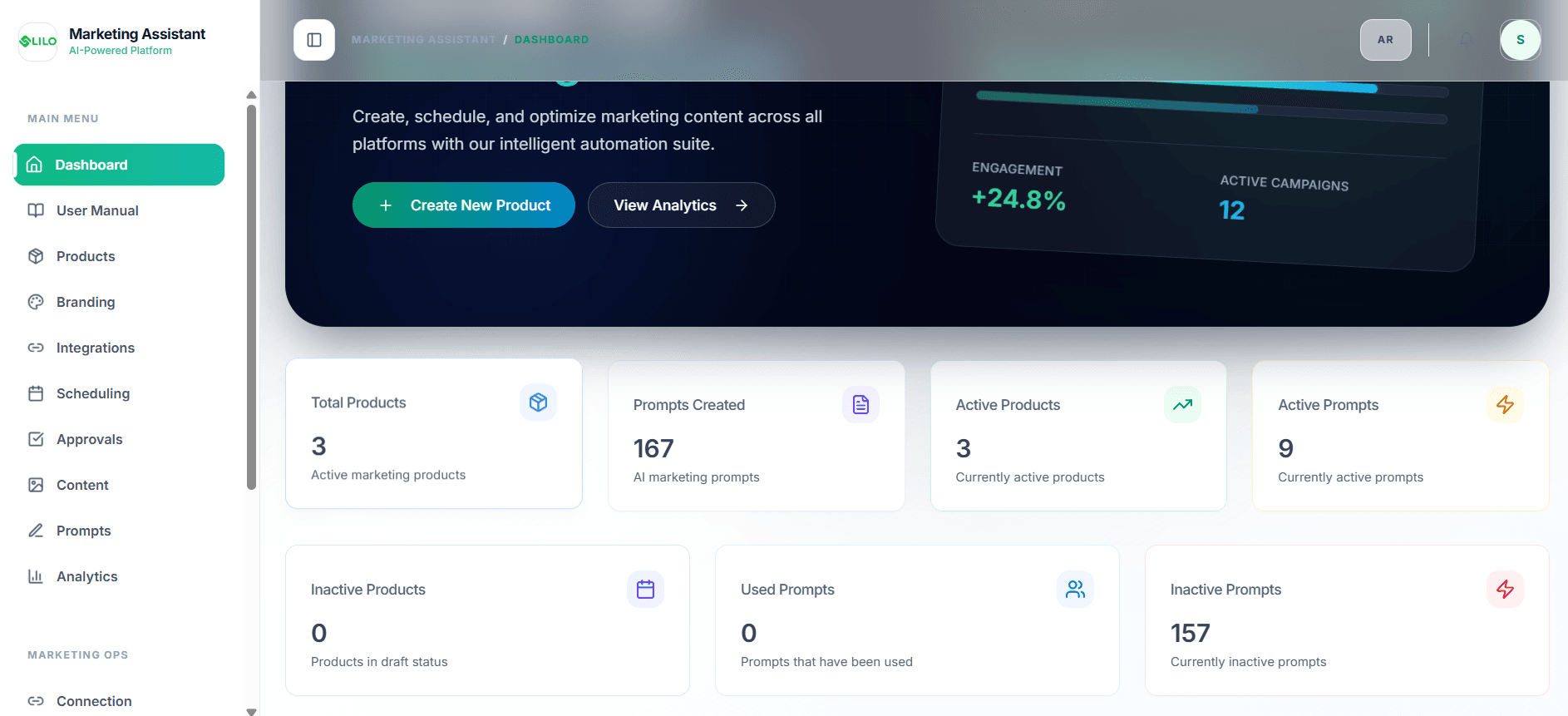
Screenshots were captured from the live Marketing AI development environment on July 7, 2026. Records and totals can differ by tenant and environment.