Getting Started
Sign in and understand the recommended first actions.
Getting Started
Use this page when a user is opening Marketing AI for the first time.
Before you begin
- Confirm that your account is active.
- Use the correct environment URL provided by your administrator.
- Make sure the products or clients you manage are known before creating schedules.
- Keep brand documents, website URLs, product descriptions, and logos ready.
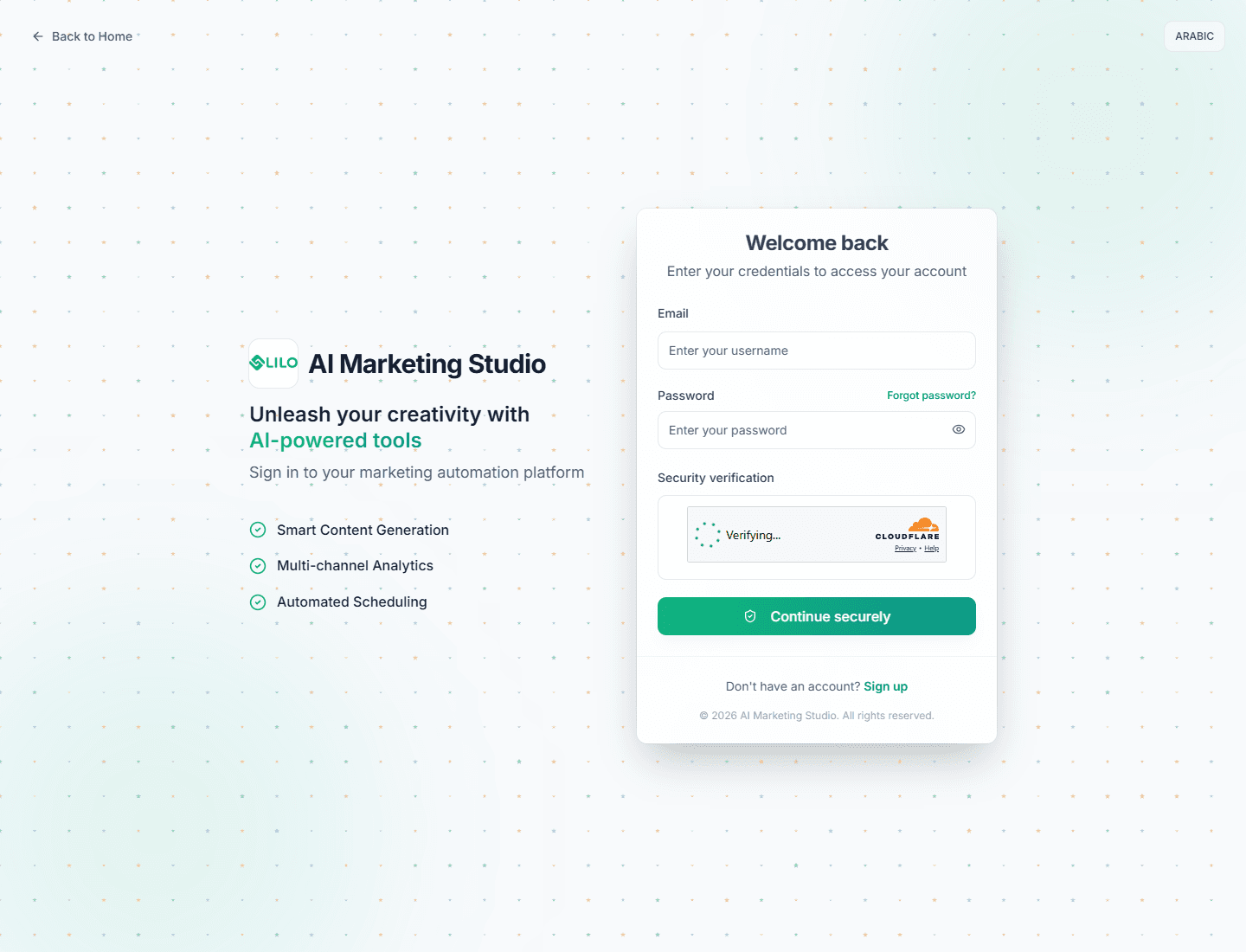
Sign in
- Open the Marketing AI URL.
- Enter your email address.
- Enter your password.
- Complete the security verification when prompted.
- Continue into the workspace.
Recommended first actions
- Open Products and create or review the product.
- Open Branding and add brand guidelines.
- Open Integrations and confirm the social channel is connected.
- Open Scheduling and create the campaign schedule.
- Open Approvals to review generated content.
- Open Content or Analytics to monitor output and performance.
Expected result: The user has enough product, brand, and channel context for the AI to generate campaign-ready content.