Dashboard
Use the dashboard as the Marketing AI workspace home.
Dashboard
The dashboard is the first page users see after login. It acts as the control center for product creation, analytics, and workspace activity.
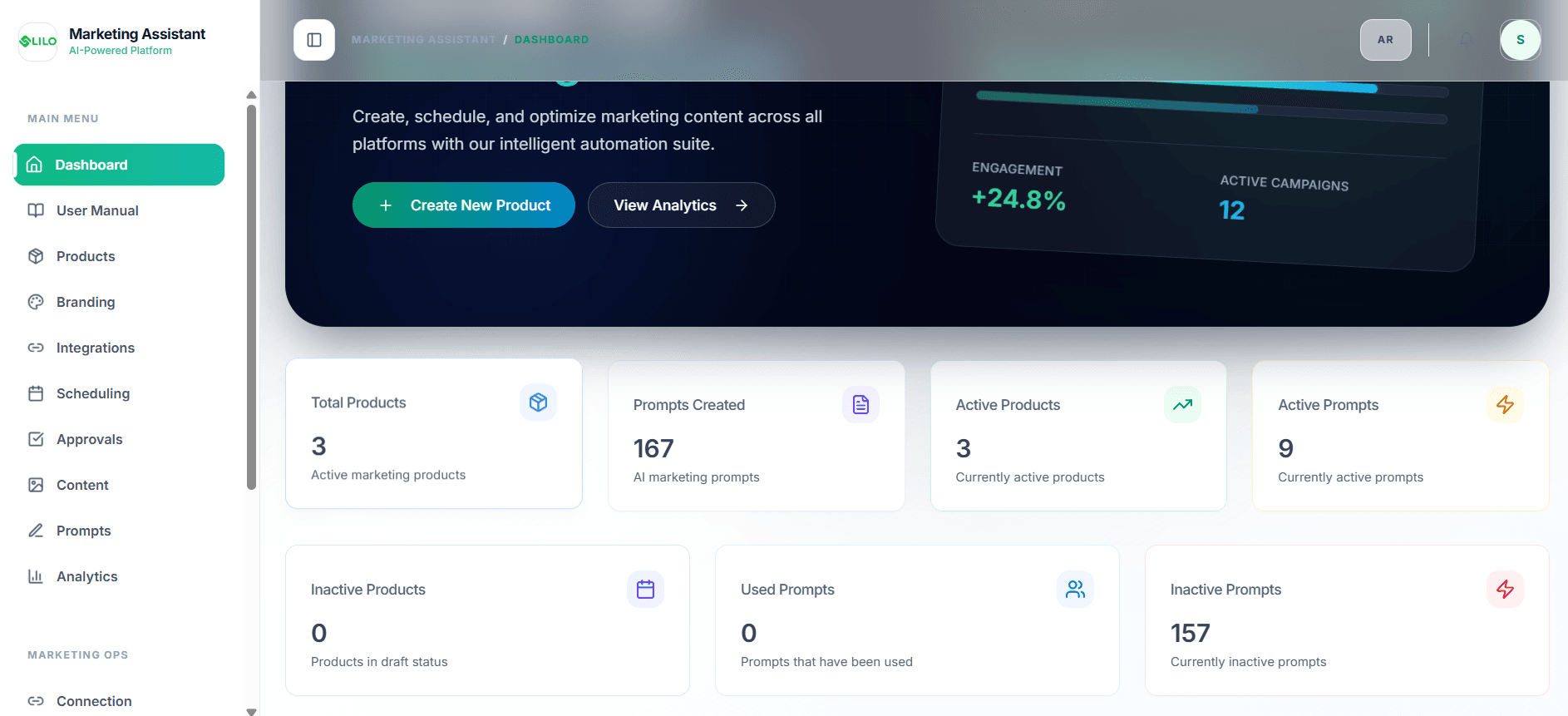
Main actions
| Action | Purpose |
|---|---|
| Create New Product | Start a new product setup flow |
| View Analytics | Open product performance and reporting |
| Total Products | See how many active marketing products exist |
| Prompts Created | Track how much AI prompt work has been generated |
| Active Products | Check products currently available for campaign work |
| Used Prompts | Understand generated prompt usage |
Where to go next
- Use Create New Product if the brand or product does not exist yet.
- Use Products when you need to manage product details.
- Use Scheduling when the product is ready for campaign automation.
- Use Approvals when generated assets need human review.
- Use Analytics when content has been published and performance should be checked.