Page Guide
Page-wise screenshot guide for every major Marketing AI area.
Page Guide
This page maps the live application navigation to the main product functionality.
Core workspace
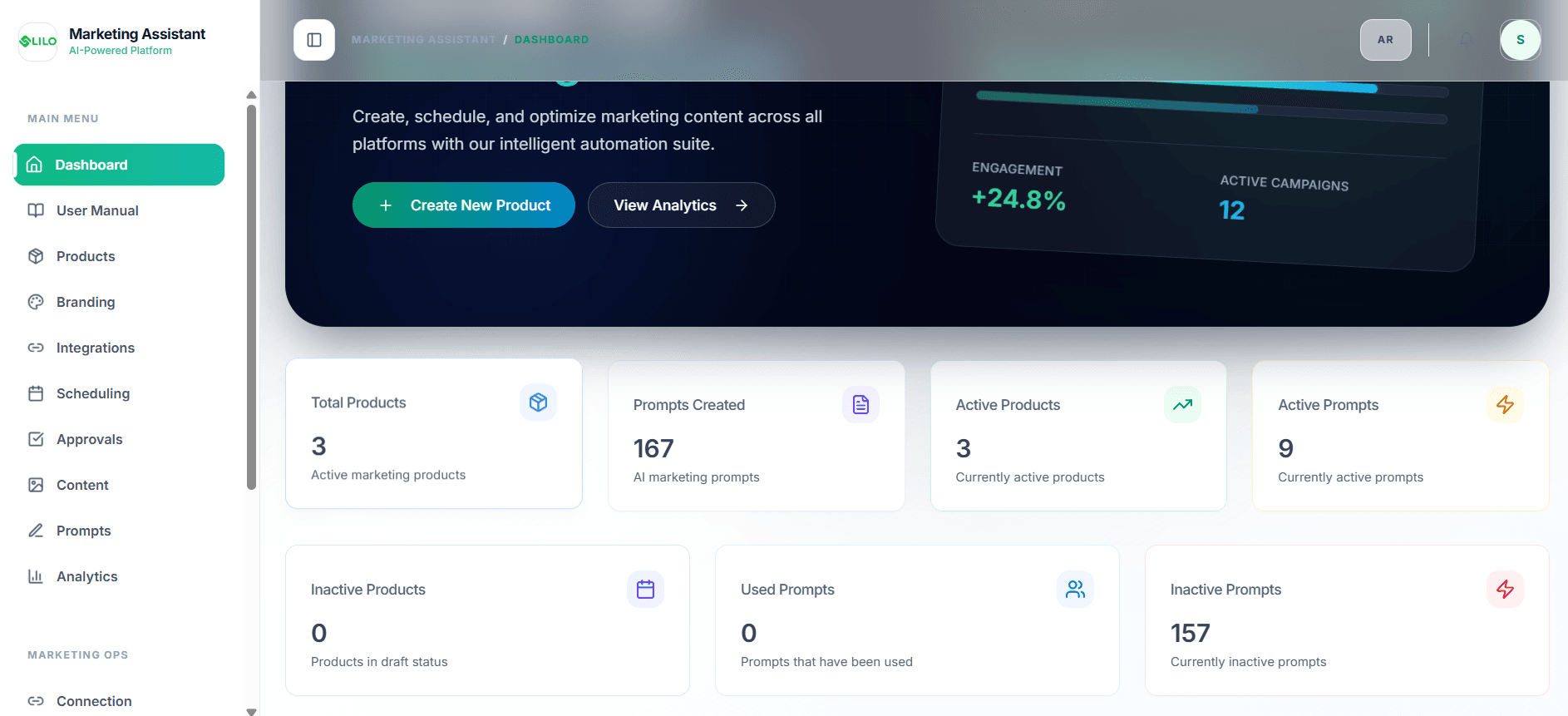
Dashboard
Start point for product creation, analytics, and activity monitoring.
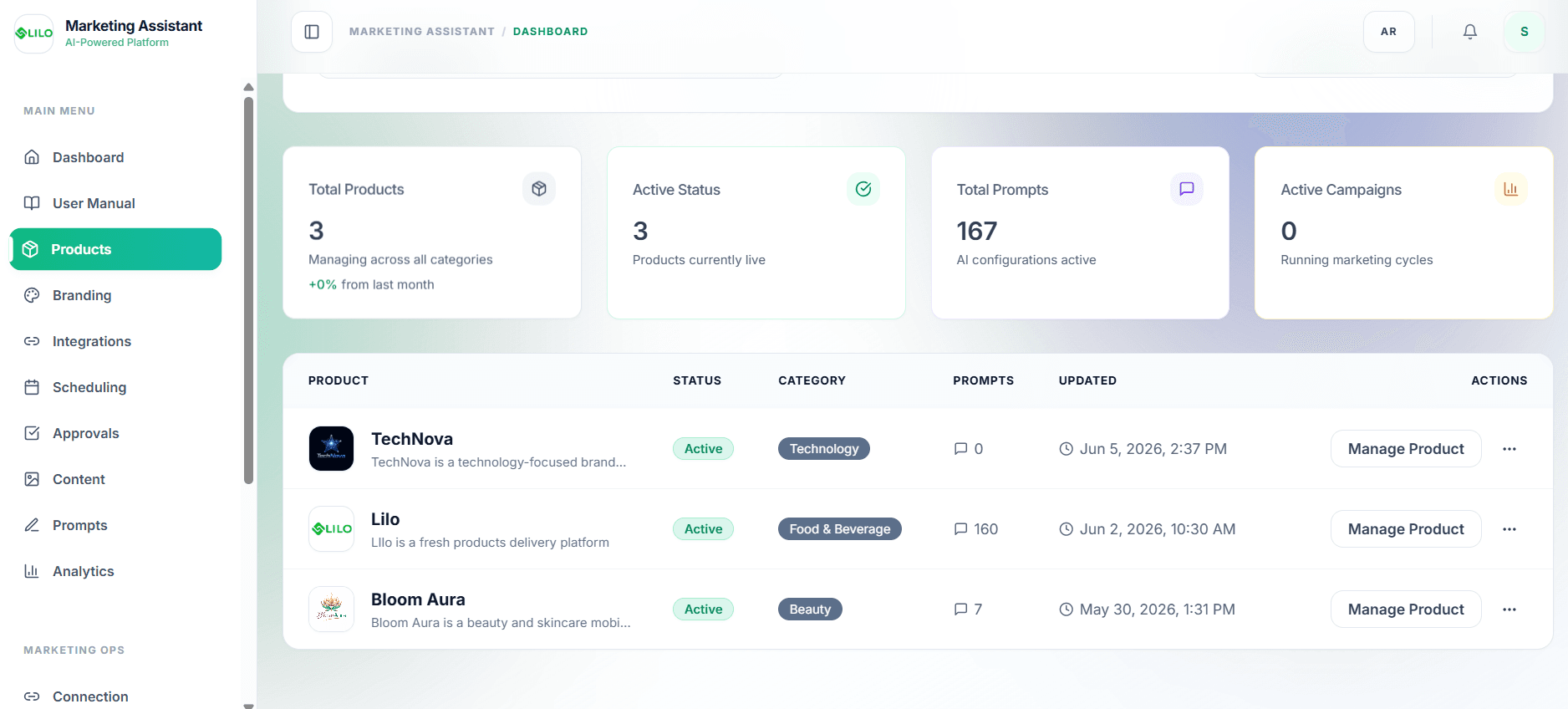
Products
Create and manage products, status, prompt counts, campaign counts, category, timezone, and updates.
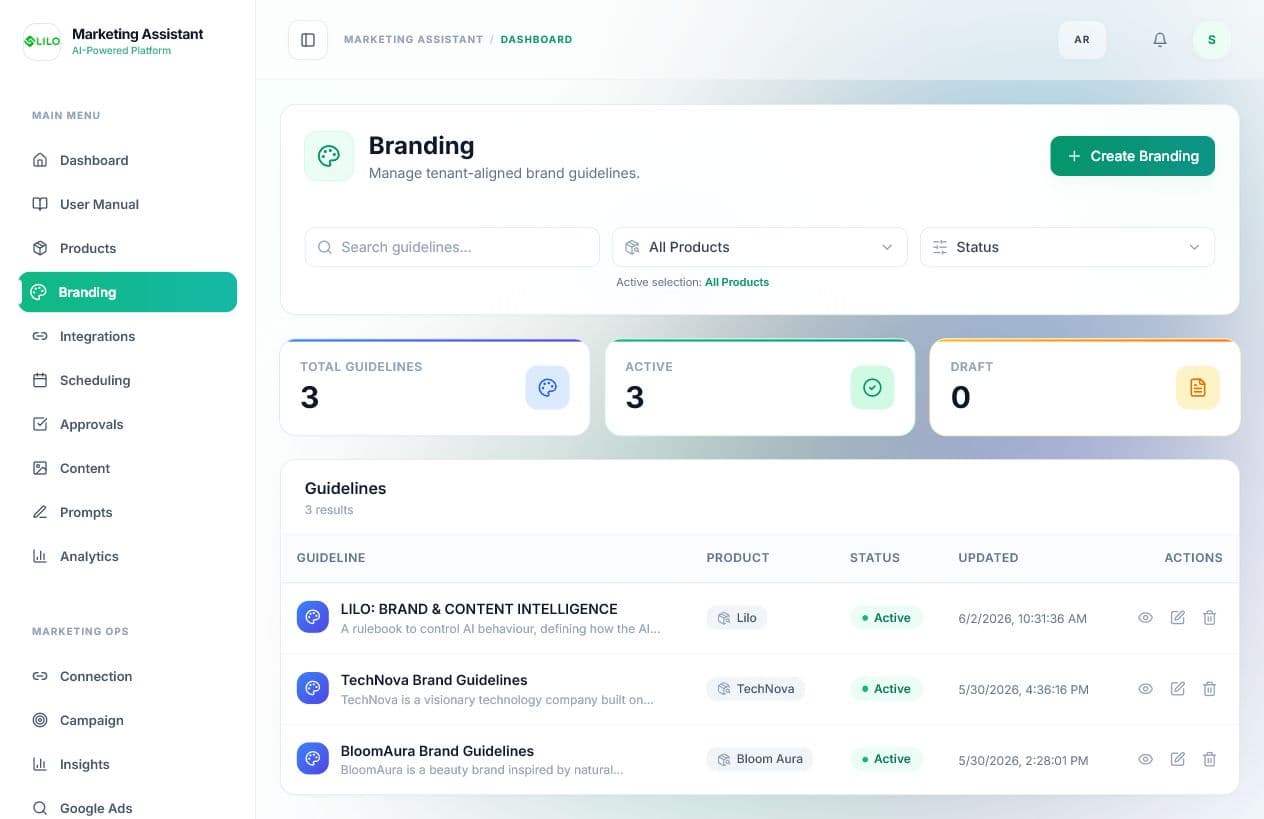
Branding
Manage AI rulebooks that define tone, visuals, product positioning, brand behavior, and content style.
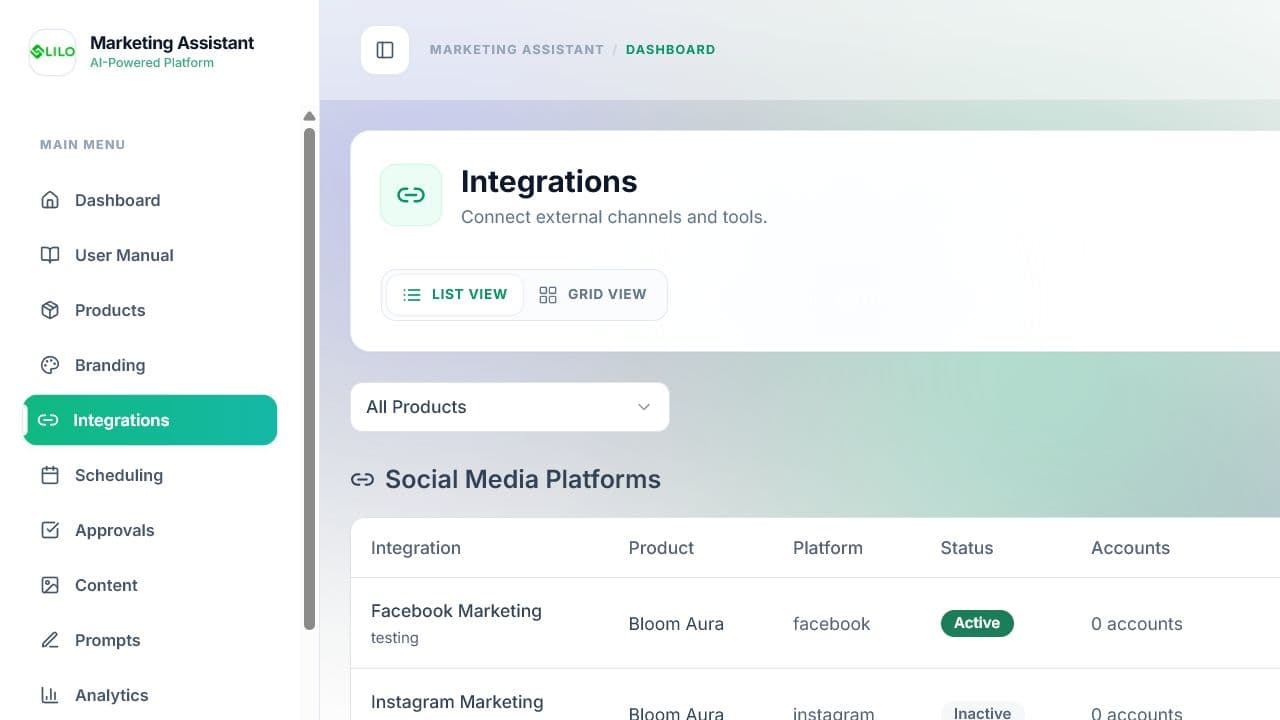
Integrations
Connect external publishing channels such as Facebook and Instagram and associate them with products.
AI production
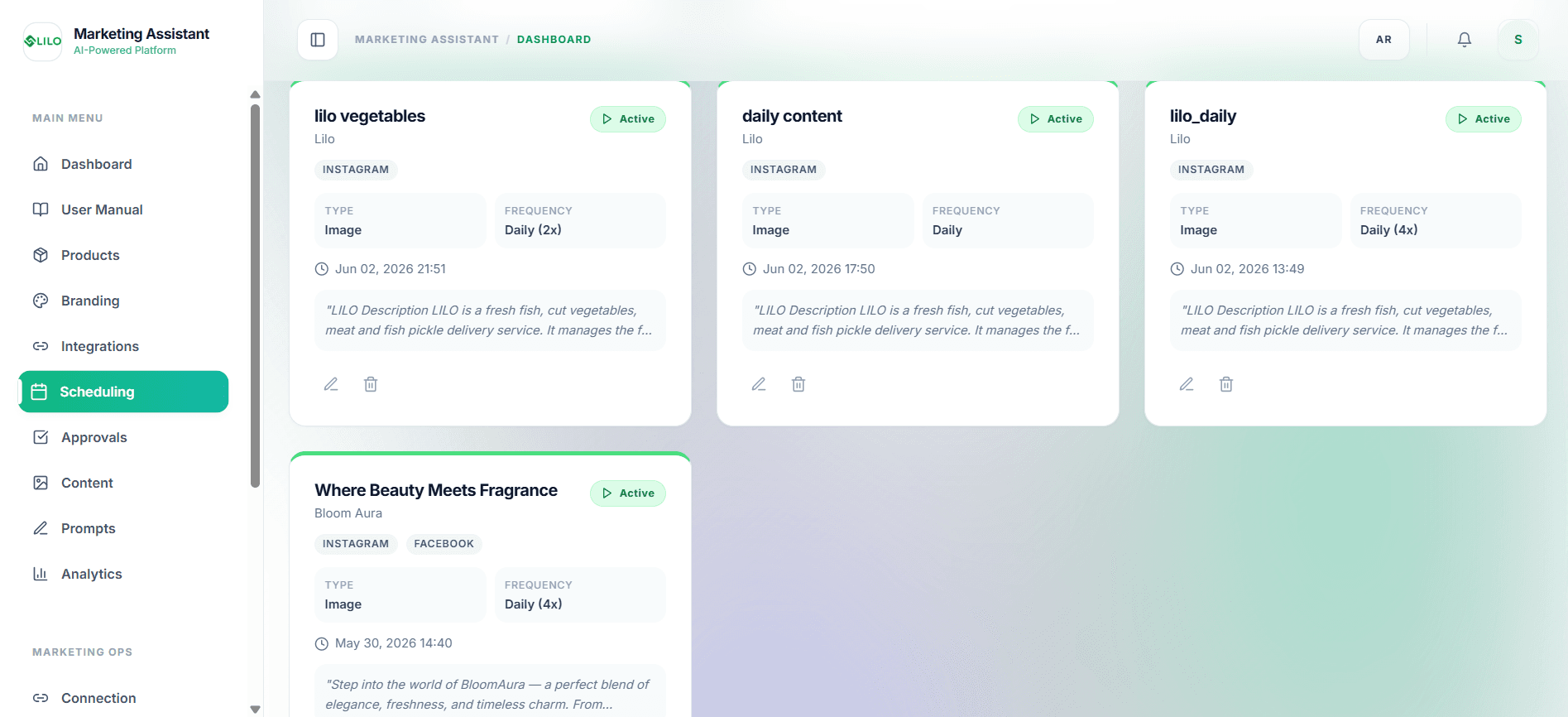
Scheduling
Create schedules that drive idea generation, prompt creation, image generation, approval, and posting.
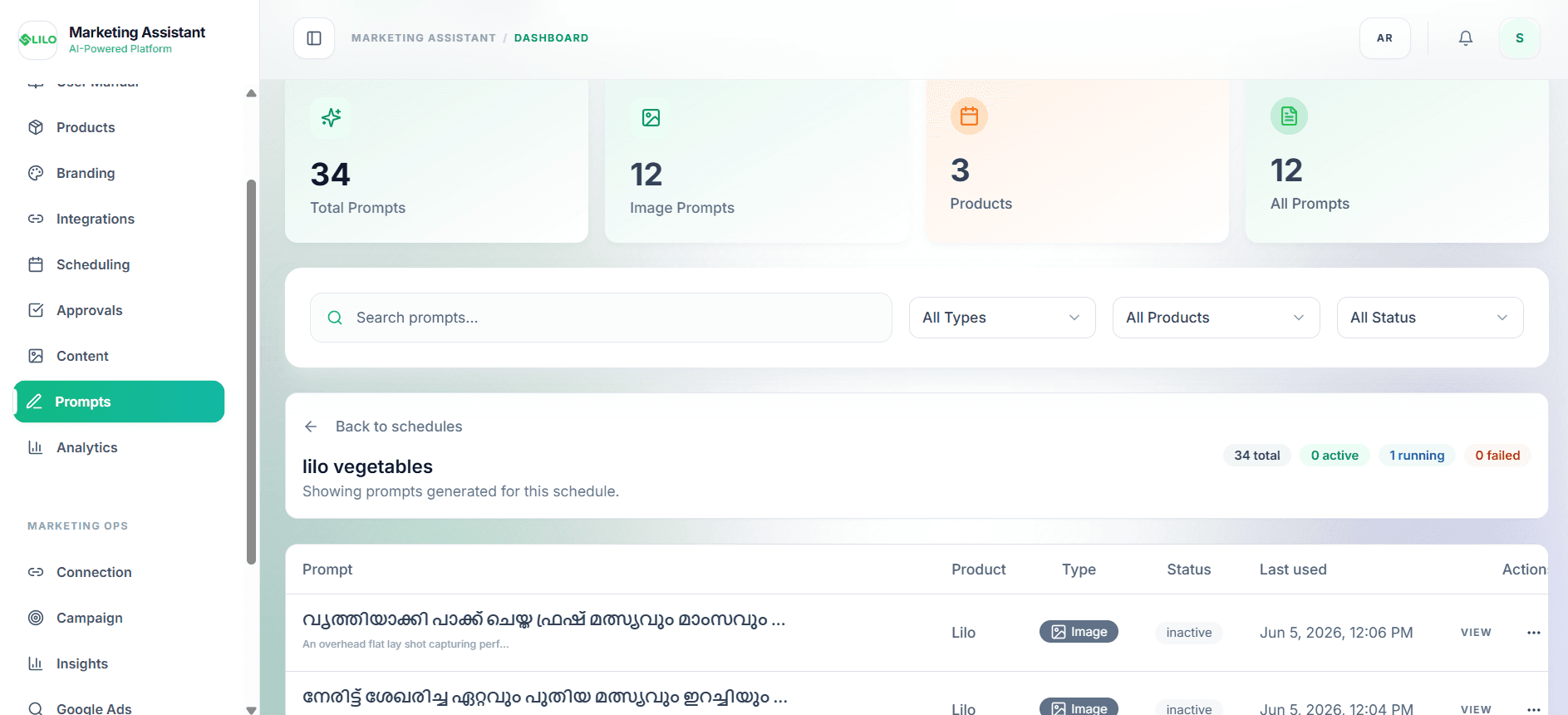
Prompts
View prompts generated per schedule and monitor active, pending, running, and failed states.
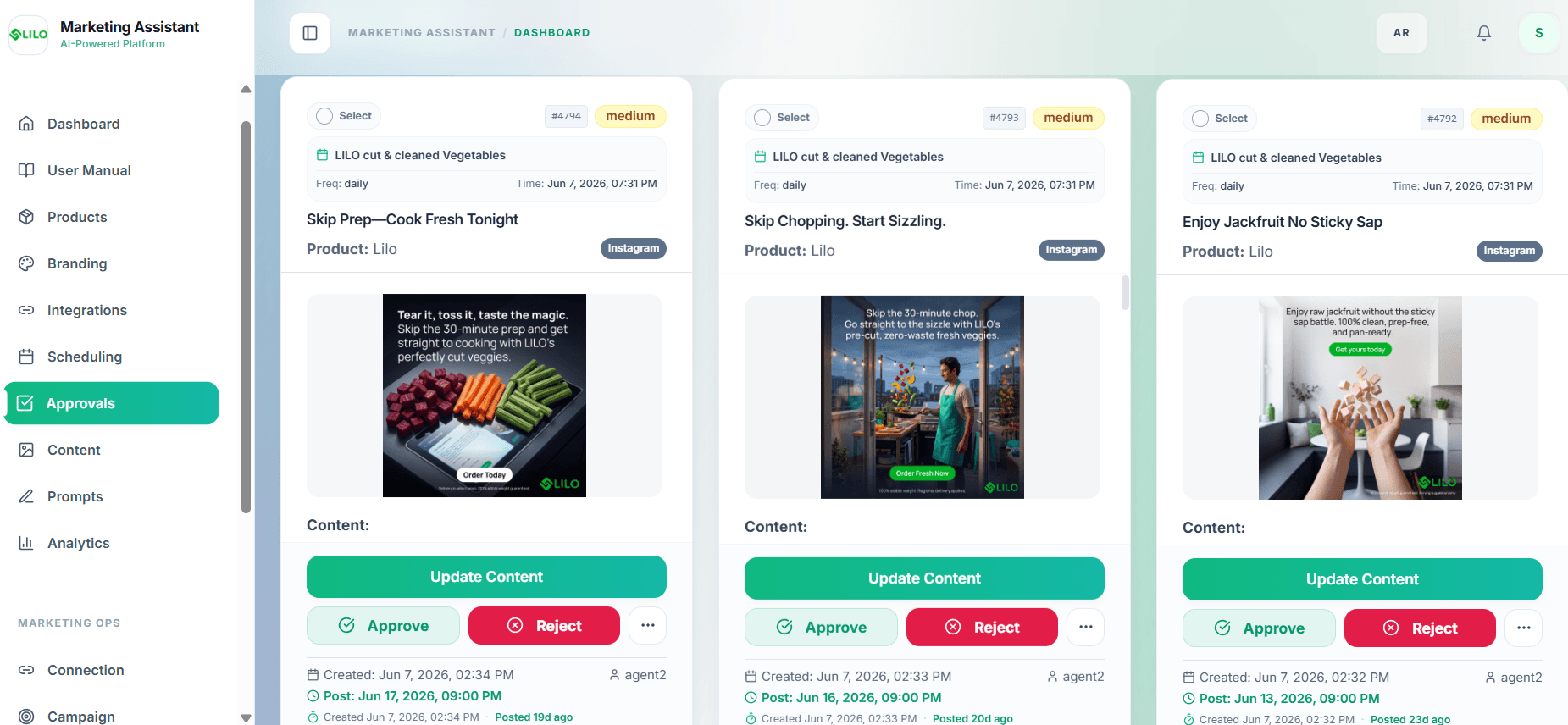
Approvals
Review generated schedule output before it becomes publishable content.
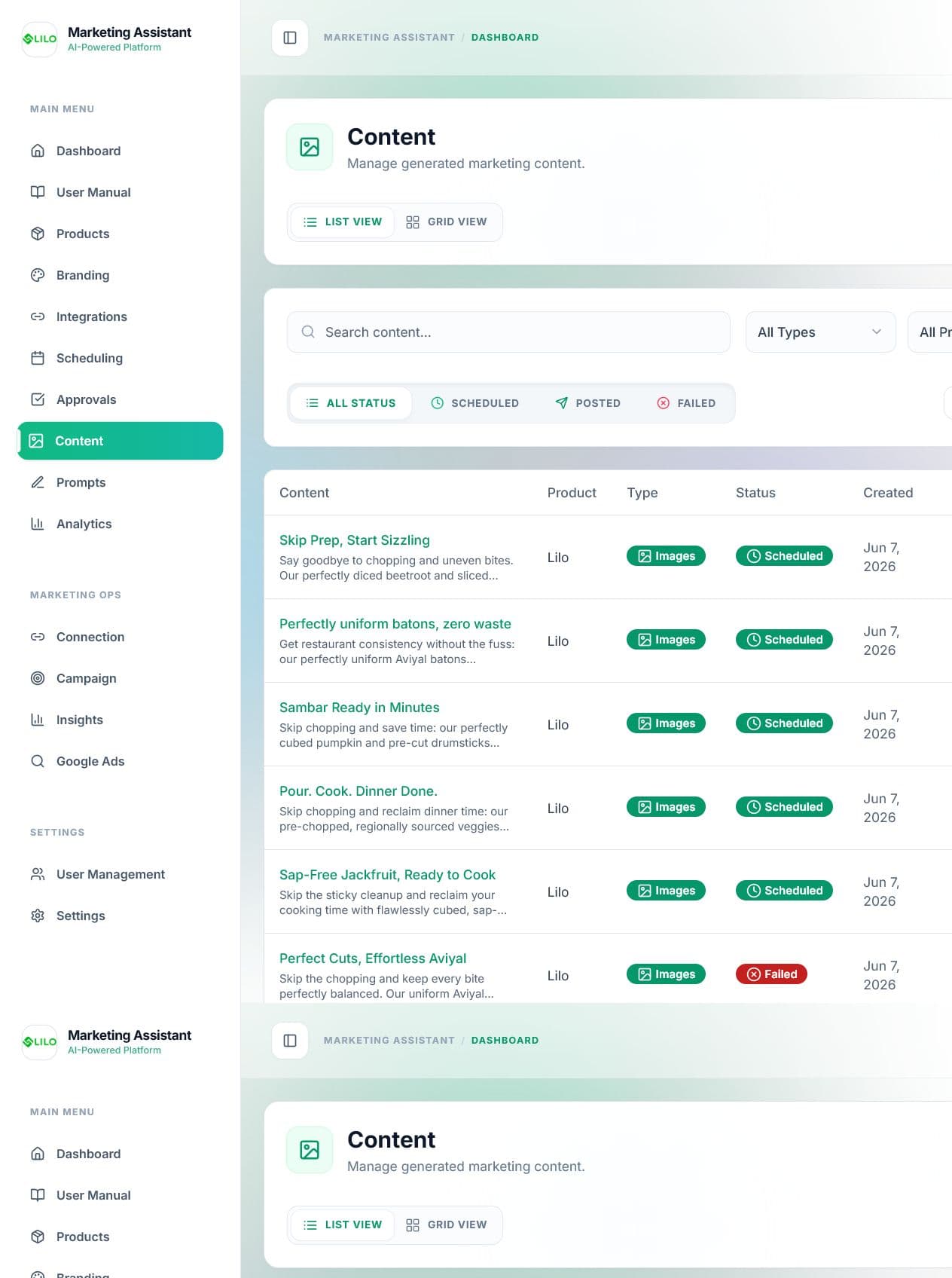
Content
Manage generated campaign assets by product, content type, and status.
Performance and marketing operations
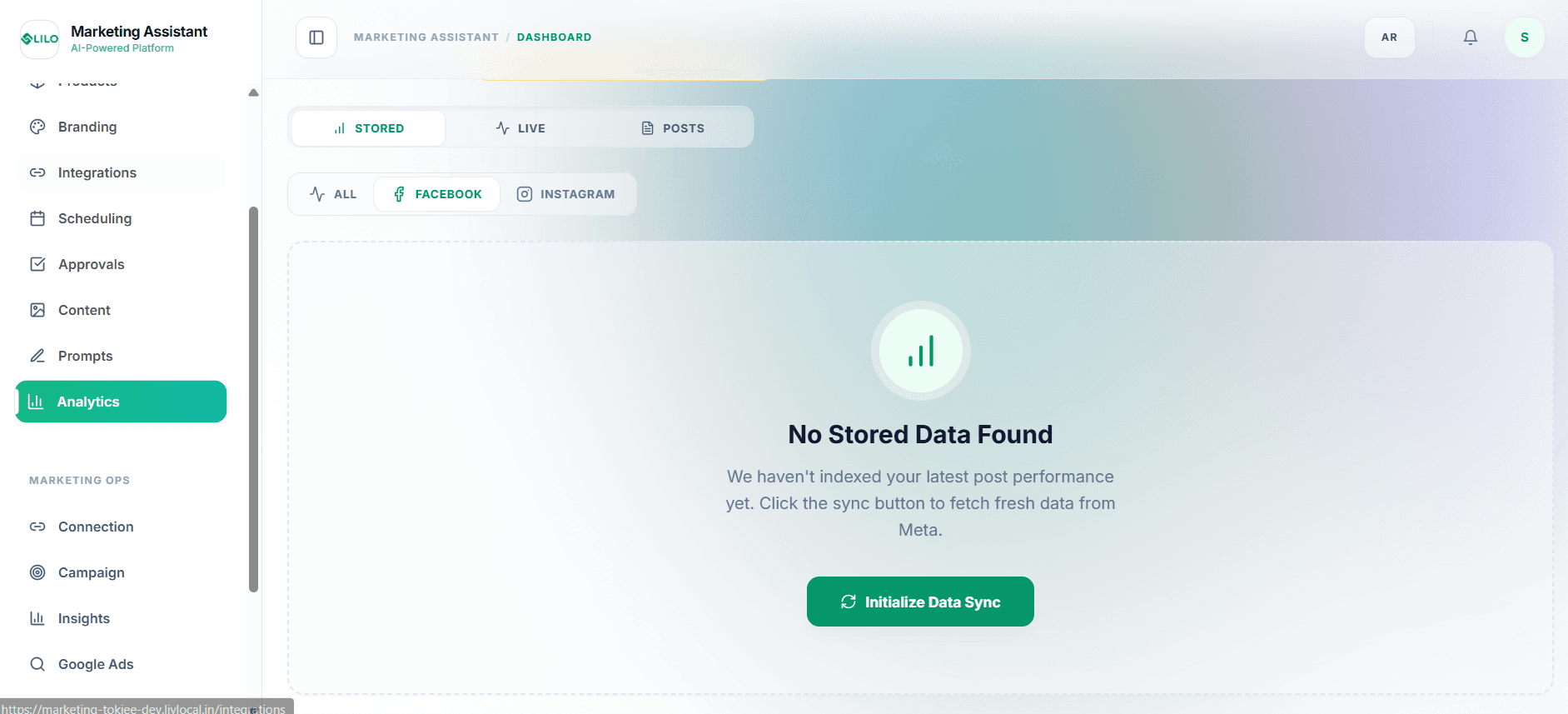
Analytics
Select a product and review reach, performance, connected integrations, and post results.
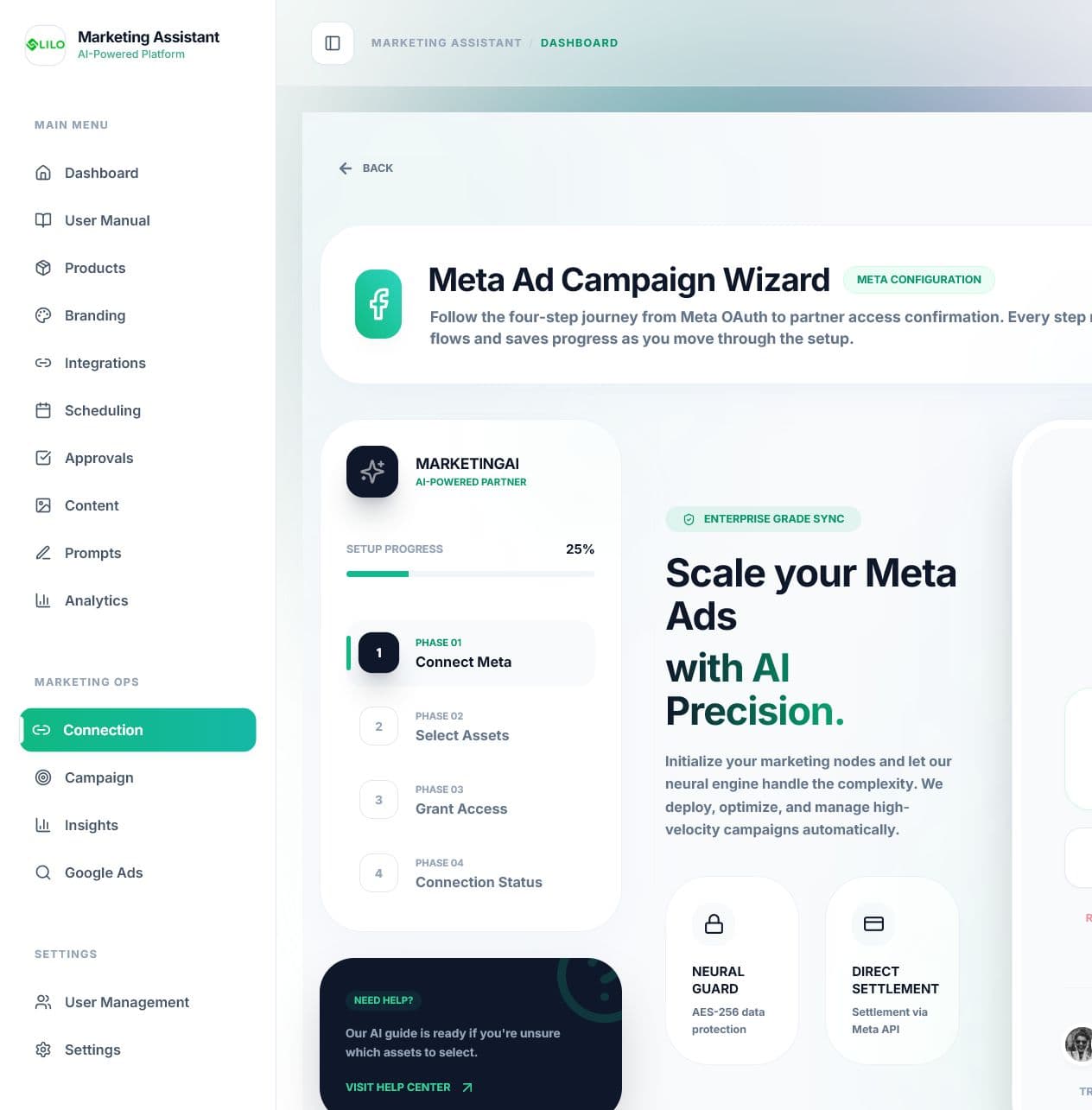
Meta Connection
Connect Meta, select assets, grant access, rotate tokens, and confirm connection status.
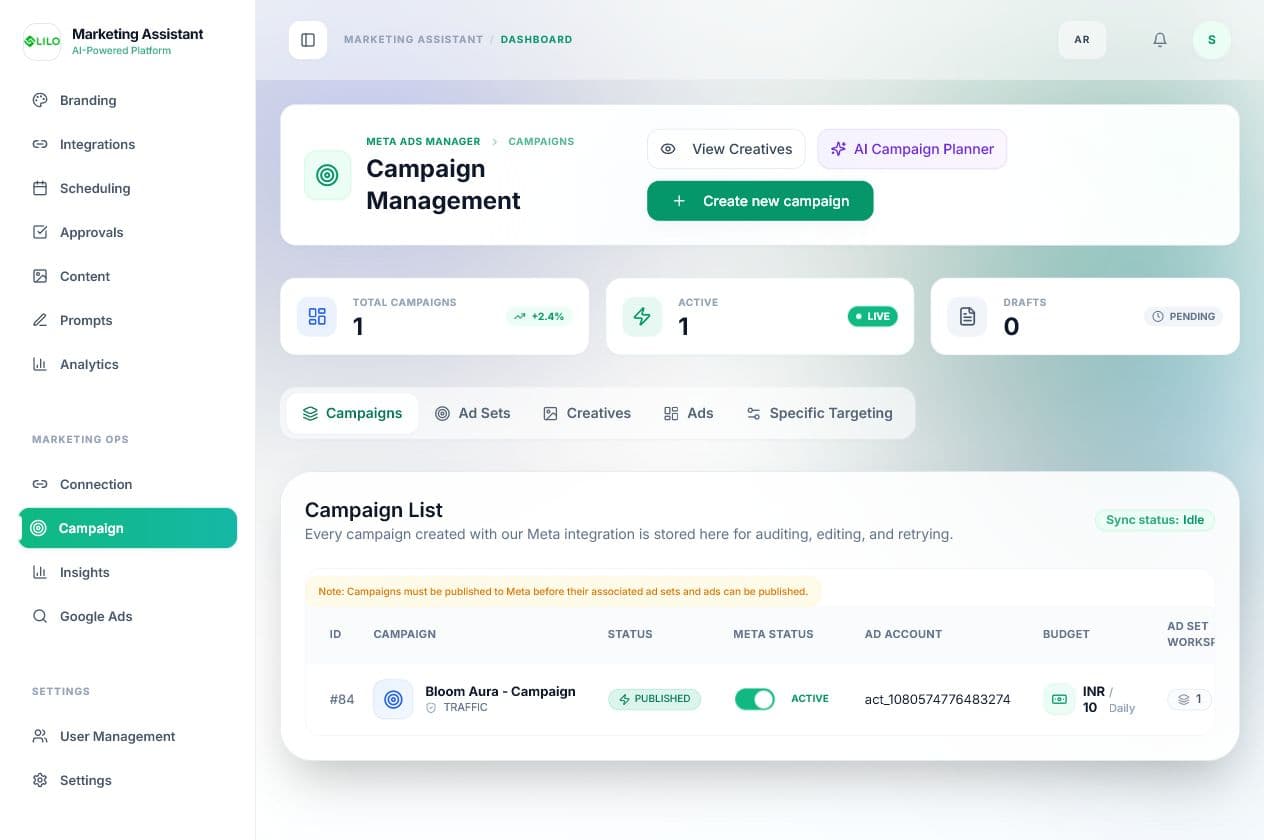
Meta Campaigns
Create and manage campaigns, ad sets, creatives, ads, targeting, publishing state, and audit history.
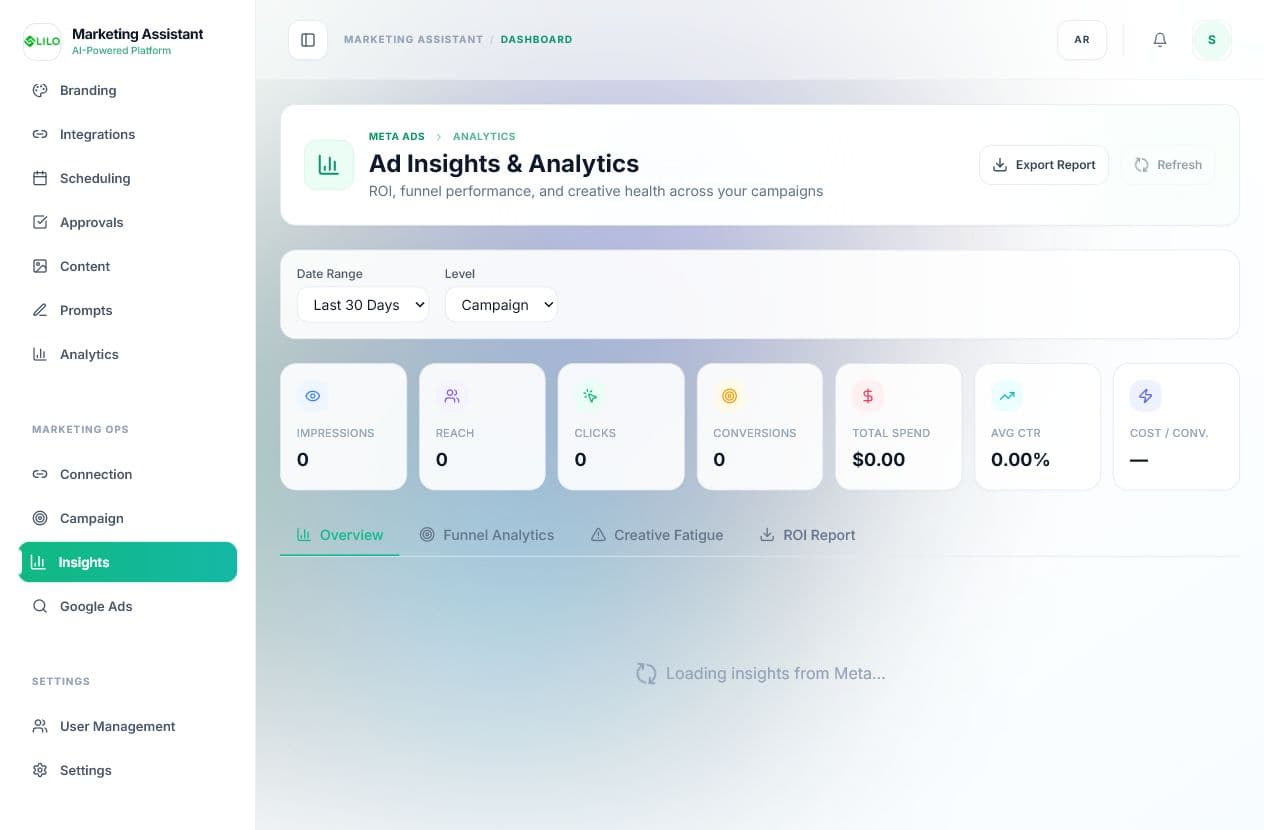
Meta Insights
Review impressions, reach, clicks, conversions, spend, CTR, funnel analytics, creative fatigue, and ROI.
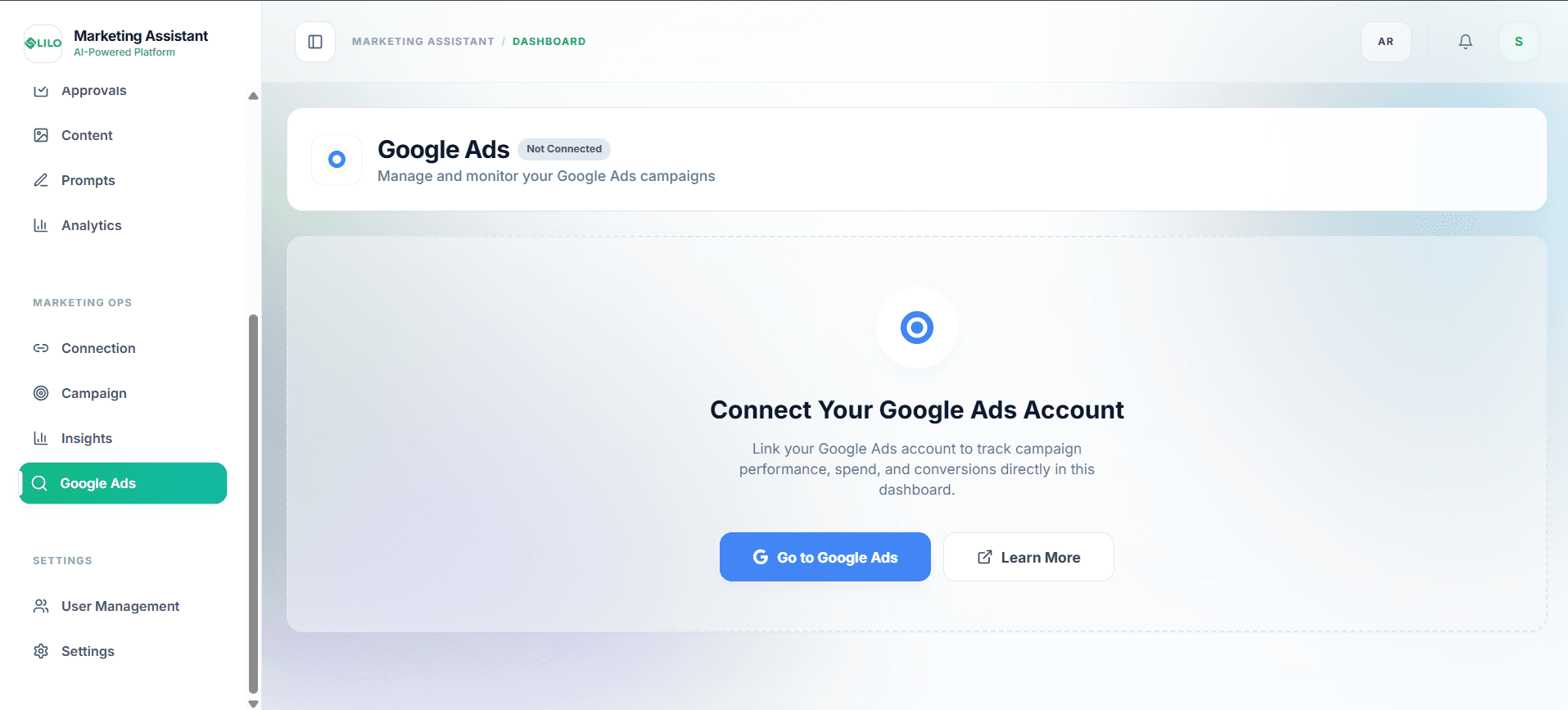
Google Ads
Connect Google Ads to track campaign performance, spend, and conversions.
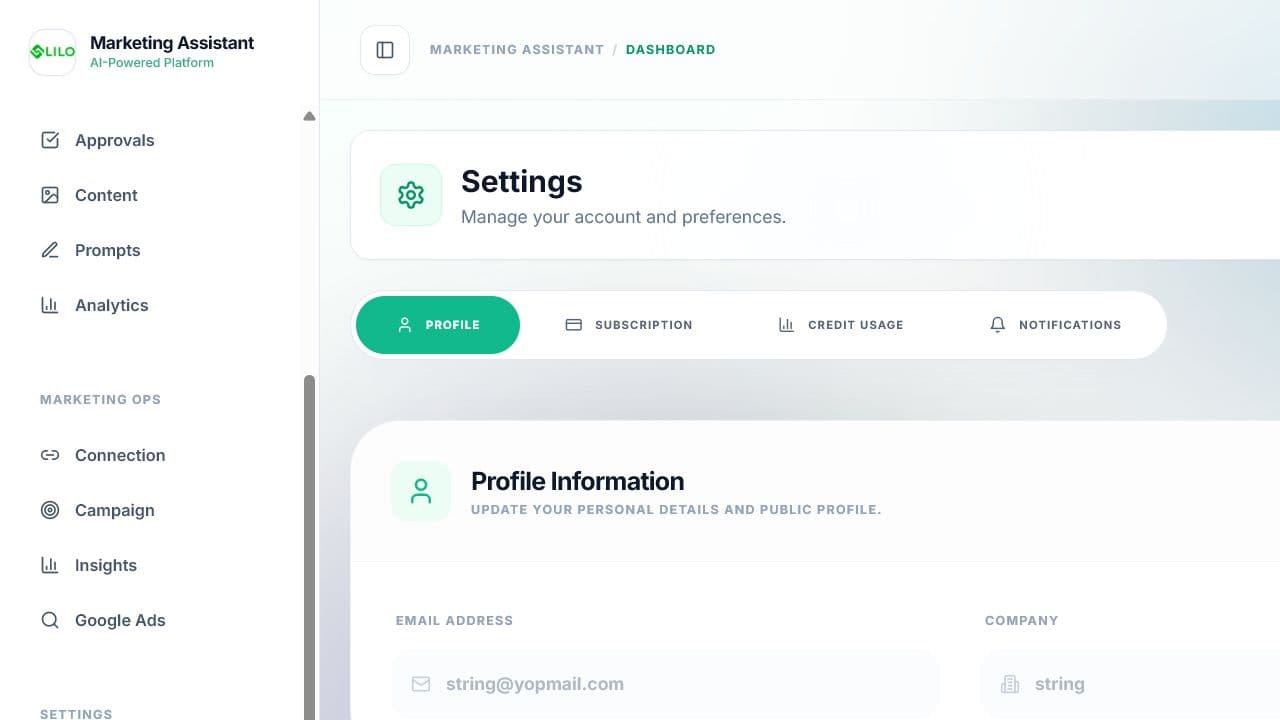
Settings
Manage profile, subscription, credit usage, and notifications.