Client Manager
Manage multiple products, brands, channels, approvals, and reporting flows.
Client Manager
Client management is the operating layer for teams that manage multiple brands, products, integrations, and approvals.
Workspace model
A client or tenant can contain multiple products. Each product can have its own brand guidelines, documents, schedules, prompts, generated content, approvals, integrations, and analytics.
| Area | Client manager task |
|---|---|
| Products | Create and maintain each client product |
| Branding | Keep the AI aligned with each client brand |
| Integrations | Connect the correct publishing and ad accounts |
| Scheduling | Plan campaigns for each product |
| Approvals | Review outputs before publishing |
| Analytics | Report performance back to the client |
User and account controls
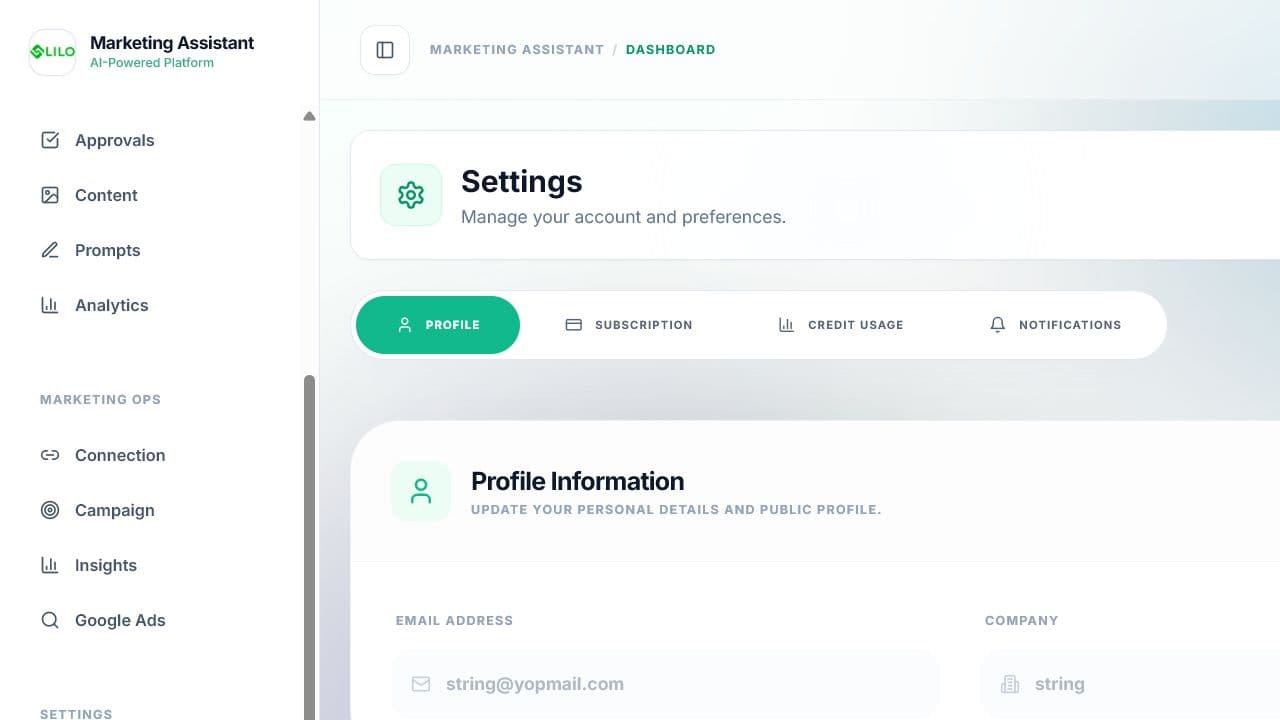
Settings includes profile, subscription, credit usage, and notifications. User Management appears in the application navigation for administrative control.
Recommended onboarding flow
- Create the client product records.
- Add product documents, target audience, brand guidelines, and website context.
- Connect Facebook, Instagram, Meta Ads, or Google Ads as required.
- Create schedules for each campaign objective.
- Review approvals before publishing.
- Use analytics and insights to report performance.