Access Rules
Define who can access protected capabilities and knowledge.
Purpose and access
Access Rules enforce authorization by role, department, resource, or other configured conditions. Only designated administrators should change them.
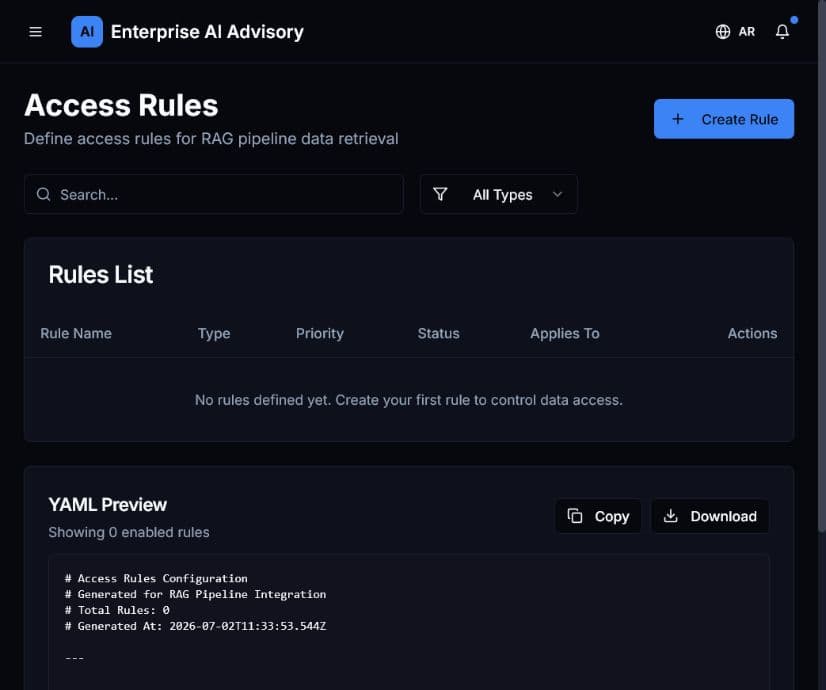
Review or change a rule
- Open Access Rules.
- Locate the rule and verify its resource and current scope.
- Identify the users, roles, or departments affected.
- Confirm the business owner has approved the change.
- Apply the smallest permission set that satisfies the requirement.
- Save and test with an appropriate non-administrator account.
- Review Audit Logs to confirm the change was recorded.
A broad rule can expose confidential documents. Record the reason, owner, and review date for every access exception.