Users and Roles
Maintain accounts and assign least-privilege roles.
Purpose and access
Use Users & Roles to review user status and assign responsibilities. Account changes should follow the approved joiner, mover, and leaver process.
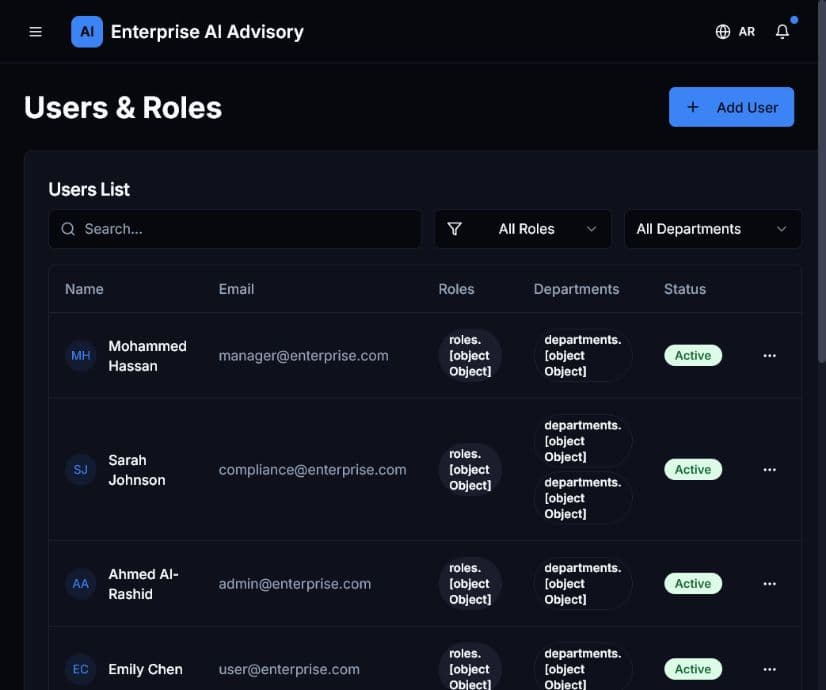
Add or update a user
- Open Users & Roles.
- Search for the account to avoid duplicates.
- Verify the person’s identity, department, and required responsibilities.
- Assign the least-privilege role that supports those duties.
- Set the correct account status.
- Save and verify the result in the user list.
- Review the corresponding audit event.
Remove or disable access promptly when a person changes responsibilities or leaves the organization. Avoid using administrator roles for routine work.