MCP Servers
Review integrations that support the AI chat runtime.
Purpose and access
MCP Server Configuration controls external or local endpoints used by the AI runtime. Changes can affect data exposure and availability and therefore require administrator approval.
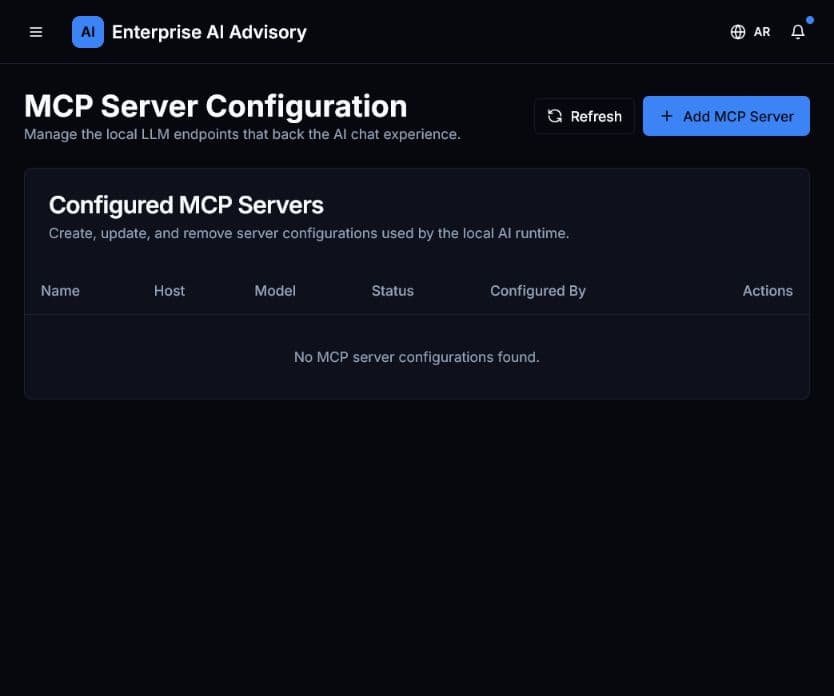
Configure a server
- Open MCP Servers.
- Review existing name, host, model, status, owner, and actions.
- Confirm the endpoint owner, purpose, authentication method, and permitted data.
- Select Add MCP Server only after approval.
- Enter configuration values without placing secrets in names or descriptions.
- Test connectivity using non-sensitive data.
- Monitor Audit Logs and application health after activation.
Disable an integration if ownership is unclear, credentials are exposed, or its data-handling behavior does not match policy.