Sign In and Navigation
Access AI Advisory and understand the workspace.
Purpose
Use this procedure to sign in securely and identify the areas available to your assigned role.
Before you begin
- Obtain the correct AI Advisory environment URL from your administrator.
- Confirm that your account is active.
- Use a supported, current browser and a trusted network.
Sign in
- Open the AI Advisory URL.
- Enter your organization email address.
- Enter your password. Passwords are case-sensitive.
- Select Sign In.
- Confirm that the dashboard displays your name and role.
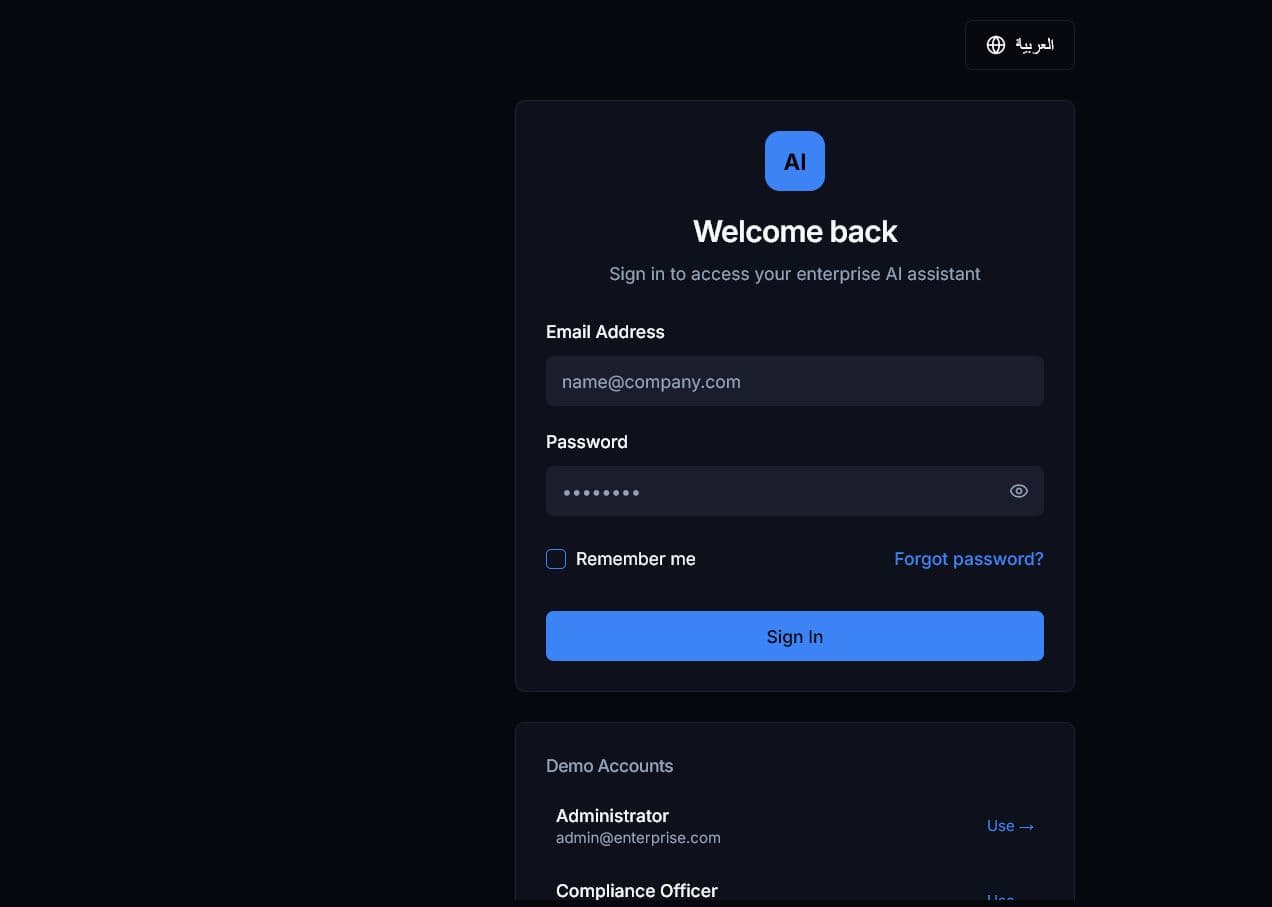
Expected result: The dashboard opens. If authentication fails, re-enter the credentials once and then follow your organization’s password-reset process.
Navigate the application
Use the menu button in the upper-left corner to expand or collapse navigation. Standard users primarily use Dashboard, AI Chat, and Documents. Knowledge-management and administration options appear only when permitted by your role.
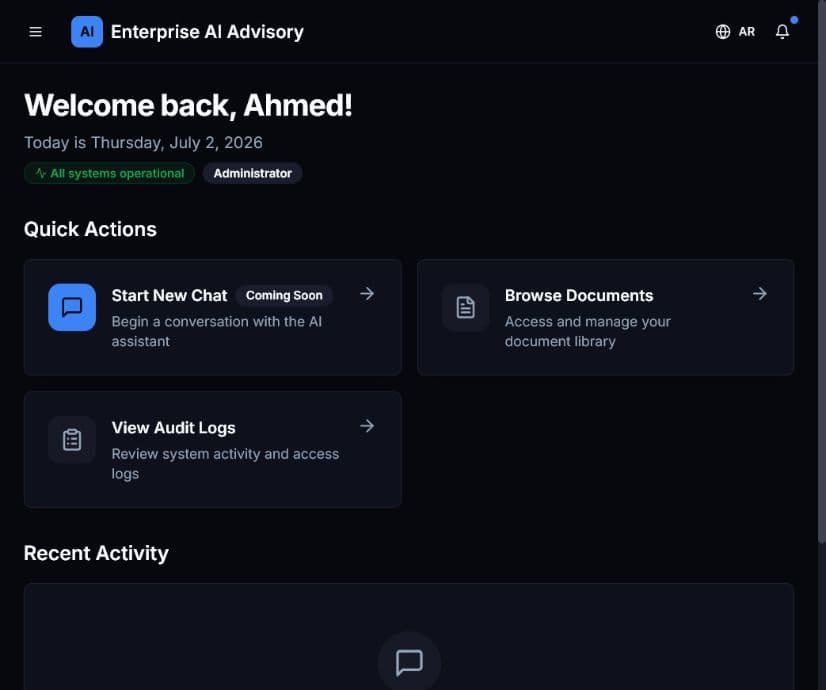
The upper-right controls provide language, notification, and account options. Always sign out when using a shared device.